
GasClam 2 Software Manual, introduces the features and usage of the software.
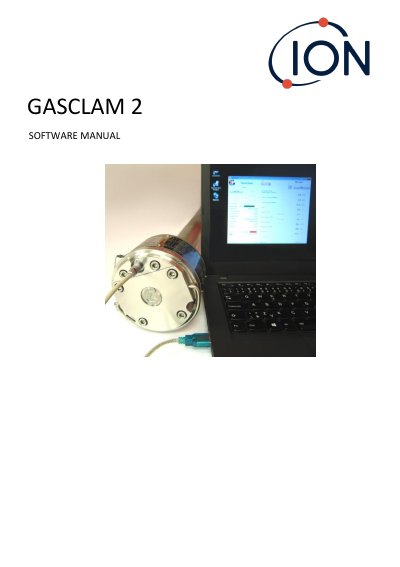
This manual explains how to install and use the GasClam 2 software to configure logging, download data, and perform analysis. It covers connecting the device to a PC, setting up logging parameters, managing power sources, and troubleshooting errors. The software supports Windows 7 and 10 and requires 46 MB of free disk space. Safety warnings are included for use in hazardous areas.
| Software Version | 6.1.11 onwards |
|---|---|
| Firmware Compatibility | Firmware 8.03 onwards |
| Operating Systems | Windows 7, Windows 10 |
| Disk Space Required | 46 MB |
The software runs on Windows 7 and Windows 10.
Firmware version 8.03 or later is required for software version 6.1.11.