
This manual introduces the operation of the EDGE 130 PLUS GPS running watch, including the basic functions, settings, use, and maintenance of the watch.
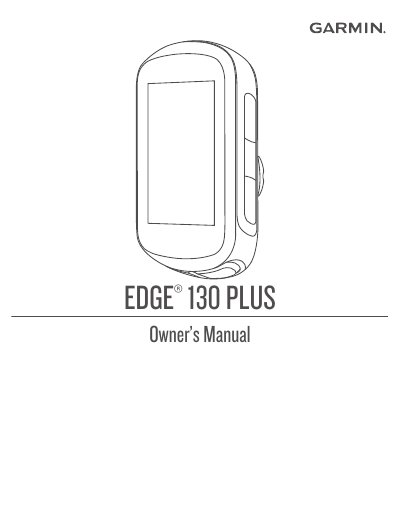
This manual provides step-by-step instructions for setting up, pairing, and using the Garmin EDGE 130 PLUS cycling computer. It covers device overview, charging, mounting options, training features, navigation, Bluetooth connectivity, and troubleshooting. The guide also includes details on battery care, sensor installation, and software updates. It is designed for cyclists who want to maximize the device’s functionality for training and navigation.
The manual includes sections on using widgets, managing workouts, viewing personal records, and customizing settings. It also explains how to pair with smartphones, use Garmin Connect, and manage data fields. Safety and battery warnings are included, along with tips for improving GPS reception and extending battery life.
| Model | EDGE 130 PLUS |
|---|---|
| Battery Type | Built-in lithium-ion battery |
| Device Language | Selectable language |
| Bluetooth Compatibility | Bluetooth® |
| ANT+ Certification | ANT+ certified |
Install the Garmin Connect app, turn on the device, and follow the on-screen instructions to pair your device with your smartphone.
Use a USB cable to connect the device to a computer or AC adapter. Ensure the device is within the approved temperature range.