
This manual introduces the functions and usage methods of the VARIA™ RCT715 device.
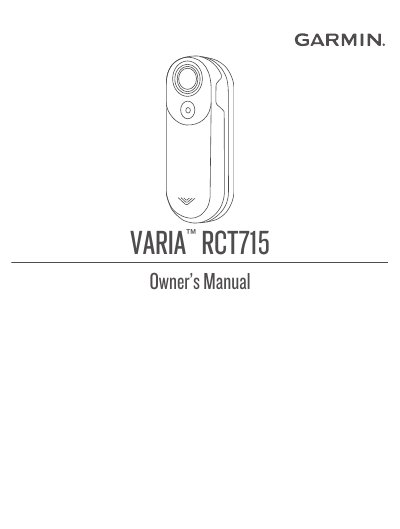
This manual guides users through installing, pairing, and operating the Garmin Varia RCT715 radar tail light. It covers device modes, camera functions, Bluetooth pairing with phones or Garmin devices, and video recording. The manual also includes troubleshooting steps for common issues like device disconnection or software updates.
The device detects approaching vehicles up to 140 meters and features customizable alert settings, light modes, and a memory card for video storage. It pairs with the Varia app or compatible Garmin devices like the Edge 1040 for radar display and control.
| Radar Detection Range | up to 140 meters |
|---|---|
| Memory Card Type | microSD |
| Bluetooth Compatibility | Bluetooth ® |
Turn off the device, hold the device button for 2 seconds to enter pairing mode, then open the Varia app and select 'Pair Now'.
The device is in lock mode.