
This user manual introduces the features and usage of Alorium Sno Edge. Sno Edge is a system-on-module (SoM) based on the Intel MAX 10 FPGA and is designed for developing edge computing applications. This manual includes information on Sno Edge's hardware design, software programming, Xcelerator Blocks (XBS), and pin mapping.
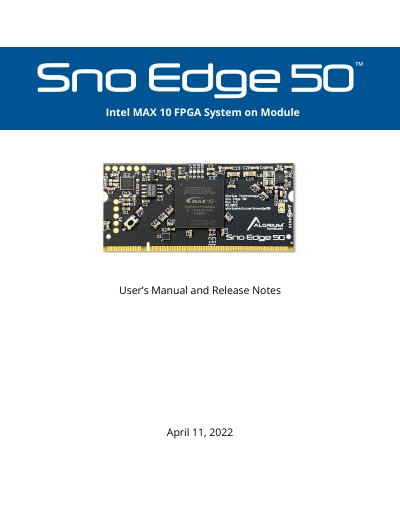
The Alorium Technology Sno Edge 50 is an Intel MAX 10 FPGA System on Module (SOM) that integrates an 8-bit AVR compatible microcontroller. It features a 200-pin SODIMM form factor and includes enhanced digital I/O, additional ADCs, and Xcelerator Blocks for custom hardware functionality. The device is designed for easy programmability using the Arduino IDE or other supported tools.
The manual details programming methods for both the embedded microcontroller and the FPGA, including USB and FTDI interfaces for the microcontroller, and various methods for updating FPGA images such as the Arduino IDE, command-line tools, and JTAG. It also provides general technical specifications, pin mapping, register descriptions, and instructions for installing the necessary Arduino IDE libraries.
| FPGA Type | Intel MAX 10 |
|---|---|
| Microcontroller | 8-bit AVR compatible |
| Form Factor | 200-pin SODIMM |
| Voltage | 3.3V |
| ADC Inputs | 16 |
| Max ADC Input Voltage | 2.5 volts |
Arduino is the only officially supported programming environment for Sno Edge.
Bridge the two sides of the split CFG0 pad while applying power to the board.
Yes, but it requires appropriate JTAG programming hardware like the JTAG Blaster programmer from Intel.