
This manual describes the installation of the Aqua Science Fleck 5600 SXT Digital Water Softener System.
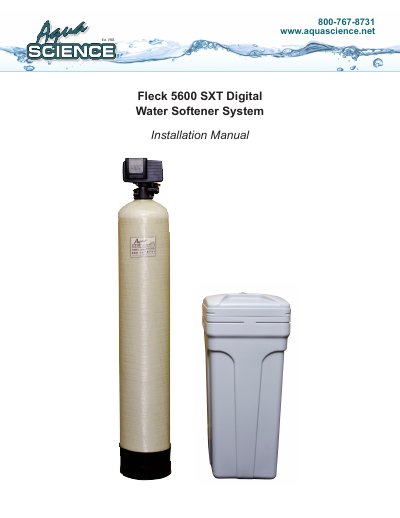
This manual provides detailed instructions for installing the Aquascience Fleck 5600 SXT digital water softener system. It covers assembly of the water softener tank, control valve, brine tank, and plumbing connections. The guide also includes programming steps to configure the system’s settings for optimal performance. Installation requires a level surface, access to water and drain, and a standard electrical outlet. The system removes calcium, magnesium, iron, manganese, and other heavy metals from water to improve household water quality.
| Tank Sizes | 9x48, 10x54, 12x52 |
|---|---|
| Resin Capacity | 1 cubic foot for 9x48, 1.5 cubic feet for 10x54, 2 cubic feet for 12x52 |
| Programming Setting - Hardness | GPG (grains per gallon) |
| Default Regen Time | 2:00 AM |
The default regen time is 2:00 AM.
The system removes calcium, magnesium, dissolved iron, dissolved manganese, and other heavy metals from water.
You should use two 40 lb bags of softening salt for a 12x52 tank.
The default regeneration time is set to 2:00 AM.