
This manual provides a detailed introduction to the Fleck 5600 and 2510 12 Day Timer Easy Programming Guide, including setting time, setting backwash frequency, and final steps.
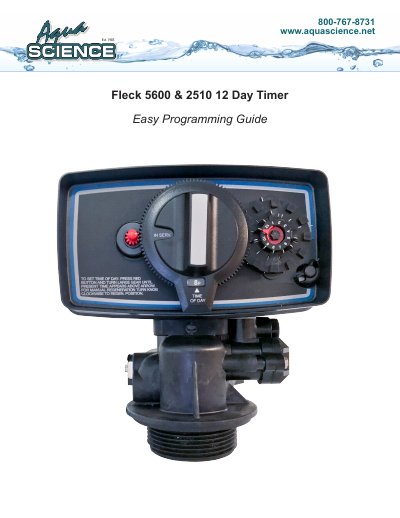
This document serves as an easy programming guide for the Fleck 5600 and 2510 12 Day Timer. It details the procedure for setting the current time of day by using the red button and the largest spin wheel with serrated edges. Additionally, it explains how to configure the backwash frequency by pushing specific pins outward to indicate the desired days within the 12-day cycle.
Press the red button and rotate the largest spin wheel with serrated edges until the current time is displayed in the time of day window.
The industry standard is for every 3 days, which results in the 1, 4, 7, and 10 pins being pushed out.
Simply push the particular pin outward from the center for each day you want to backwash.