
This manual introduces the use and maintenance methods of the WS1 Demand series water purifiers.
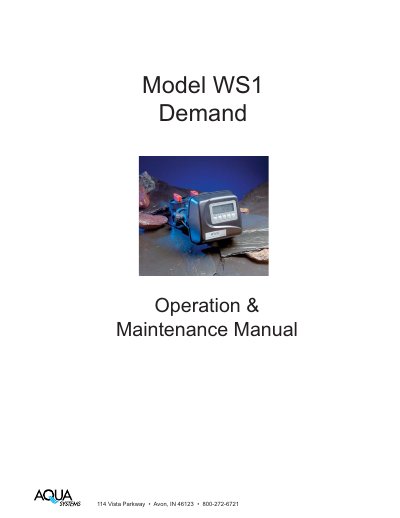
This manual provides instructions for operating and maintaining the AQUA WS1 demand water softener. It includes sections on general operation, programming settings, installation tips, and troubleshooting. The device features automatic regeneration based on water usage or time, with options to adjust hardness and regeneration intervals. It also includes detailed diagrams and specifications for installation and service.
The control valve is designed for easy maintenance with snap-type latches and radial seals. It supports various regenerants and can be configured for softening or filtering. The unit operates on 110V, draws 0.5A, and has nonvolatile memory to retain settings during power outages.
| Service Flow Rate | 27 gpm (102.2 lpm) @ 15 psig (103 kPa) drop |
|---|---|
| Backwash Flow Rate | 27 gpm (102.2 lpm) @ 25 psig (172 kPa) drop |
| Operating Pressure Range | 20 psi (138 kPa) - 125 psi (862 kPa) |
| Operating Temperature Range | 40°F (4°C) - 110°F (38°C) |
| Current Draw & Voltage | 0.5 Amperes, 110 Volts |
| Control Valve Weight | 4.5 Ibs (2.0kg) |
| Memory Type | Nonvolatile EEPROM |
| Compatible Regenerants | Sodium chloride, potassium chloride, potassium permanganate, sodium bisulfite, sodium hydroxide, hydrochloric acid, chlorine and chloramines |
Press 'SET CLOCK', adjust hours and minutes using up/down arrows, then press 'NEXT' to save.
Press and hold 'REGEN' until the valve motor starts (typically 3 seconds) for immediate regeneration, or press and release 'REGEN' for regeneration tonight.
Call a service technician and report the error code.