
This document is the installation guide of AQUA PC On Point, which introduces the product's usage methods and precautions.
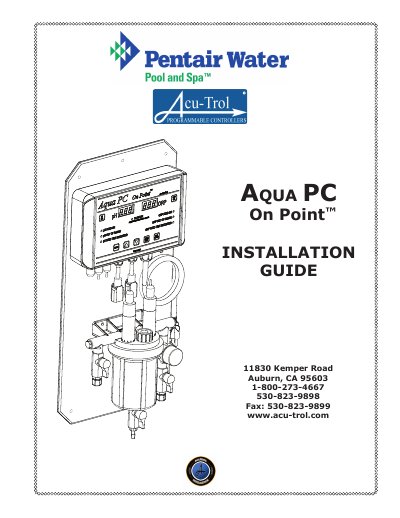
This guide provides step-by-step instructions for installing the Aqua PC On Point swimming pool controller. It includes safety warnings, voltage selection, mounting requirements, and connection details for feed devices and power. The controller is designed for easy installation and continuous water chemistry monitoring. Proper grounding and GFCI protection are required for safe operation.
The guide also covers warranty information, component inspection, and troubleshooting tips for common installation issues, including voltage compatibility and relay configuration.
| Input Voltage | 115 VAC or 230 VAC |
|---|---|
| Relays | Two selectable (115/230VAC, 24V, or Dry Contact) |
| Dimensions | 11 x 6.75 x 2.5 inches |
| Weight | 10 lbs |
| Warranty | 1 year |
The Aqua PC On Point operates on 115 VAC or 230 VAC input voltage. The factory setting is 115 VAC.
The warranty is one year from the date of manufacture for the electronic module and sensors, and other equipment is covered by the manufacturer’s own warranty.