
This user manual describes the protocol for communication with FA series servo drives in detail, including communication functions, structure, library functions and methods.
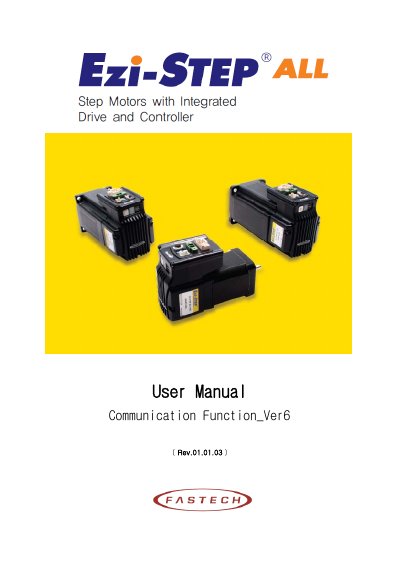
This manual details the communication protocols and programming functions for the Ezi-STEP FA series servo drives. It covers RS-485 communication specifications, frame structure, CRC calculation, and various control functions including parameter control, servo control, and position control. The manual also includes library functions for PC and PLC programming, with detailed descriptions of commands and response frames.
The document is intended for users who need to configure and control the servo drives via communication interfaces, including setting parameters, controlling motor positions, and managing I/O functions. It provides technical specifications for baud rates, cable lengths, and error handling, as well as examples for CRC calculation and frame data structures.
| Communication Type | Synchronous Half-duplex |
|---|---|
| Baudrate | 19200, 38400, 57600, 115200, 230400, 460800, 921600 |
| Max Cabling Length | 30 m |
| Min Cable Length Between Drive | More than 60 cm |
| Number of Connected Axis | 16 axis (No. 0~F) |
Up to 16 axes can be controlled by Daisy-Chain link at RS-485.
It indicates a Frame Type Error: the responded frame type cannot be recognized.
It retrieves connected slave type and program version information.