
This manual introduces the specification, appearance, installation and connection method, operation principle and IO-Map use method of PROFIBUS-DPV1 PLC
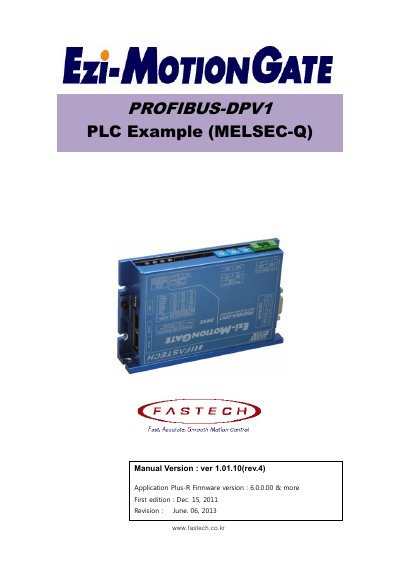
This manual provides detailed instructions for using the FASTECH PROFIBUS-DPV1 PLC, including safety guidelines, product specifications, installation and connection methods, and operational procedures. It covers programming examples using MELSOFT GX-Developer, motion control commands like JOG, Step, and PT RUN, as well as parameter settings and alarm handling. The device acts as a gateway between PROFIBUS networks and FASTECH motion drives, supporting up to 15 motor IDs per network.
| Maximum Motor IDs per Network | 15 |
|---|---|
| Field Network Type | PROFIBUS |
| Protocol Version | 6.0.0.00 & more |
The maximum number of motor IDs supported per network is 15.
The device supports Protocol version 6.0.0.00 and more.
The field network type is PROFIBUS.