
Introduces Alesis Trigger IO USB/MIDI Percussion Interface, which can connect to your favorite acoustic drum triggers or electronic percussion pads and control sounds on external drum machines, modules or software devices.
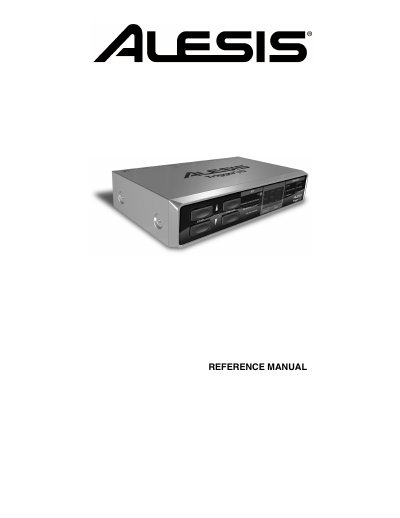
This manual explains how to set up and use the Alesis Trigger IO USB/MIDI Percussion Interface. It covers connecting triggers and pedals, configuring MIDI settings, managing kits and program change messages, and troubleshooting common issues. The device is plug-and-play and compatible with software and hardware MIDI devices. It includes 21 preset kits and supports dual-zone triggers for hi-hat control.
Connect a USB cord from the Trigger IO to your computer’s USB port. The computer’s USB bus will provide power.
A Kit is a preset collection of parameters including MIDI note numbers, MIDI channels, and associated Program Change messages for different trigger setups.
Use the function up/down buttons to return to the Kit Function to save changes. Alternatively, press function down and value down buttons simultaneously to cancel changes.
A Program Change message is a MIDI message used to tell a device to change to a new program or sound.