
This is a user manual that introduces the usage of One Shot 2D HANDHELD SCANNER.
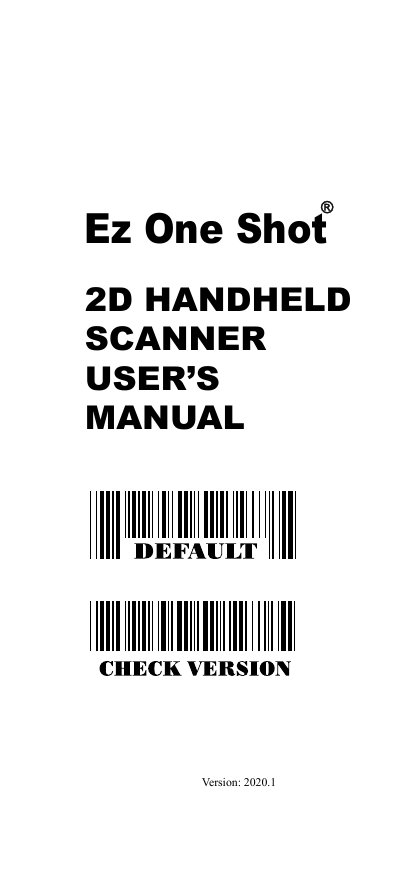
This user manual provides instructions for configuring and operating the Ez One Shot 2D handheld scanner. It includes sections on cloning settings, reading modes, advanced reading settings, and barcode symbologies. The manual explains how to set parameters using barcode scans and includes default settings for various barcode types. It also details how to use cloning mode to replicate settings across multiple scanners.
Use the scanner to scan barcodes representing the function/parameter you want to set. When you hear two beeps, the new settings have been defined or updated into the memory processor.
Cloning duplicates a scanner's settings in other scanners, saving time when programming multiple scanners to the same settings.