
This is a scanner engine user manual
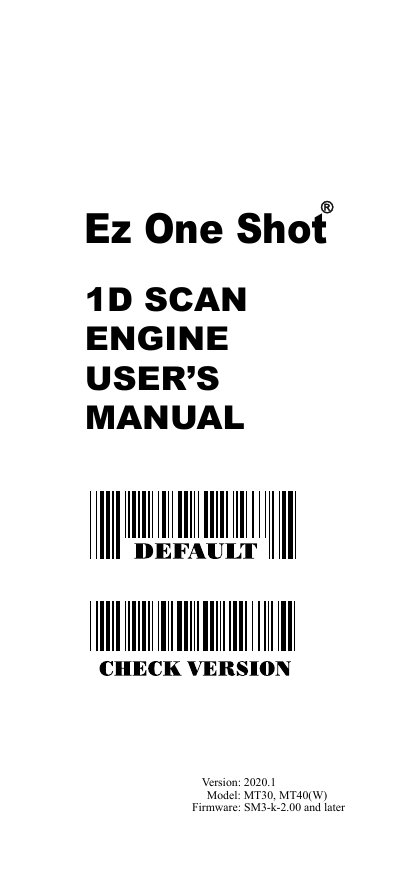
This document is the User's Manual for the Ez One Shot 1D Scan Engine, specifically models MT30 and MT40(W). It provides instructions for firmware version 2.00 and later, detailing how to configure the scanner's various settings using barcode symbologies.
The guide covers essential topics including Cloning Mode for duplicating settings across multiple units, General Settings, Reading Modes (such as Continuous, Flash, and Trigger), and Advanced Reading Mode Settings. It also explains how to set parameters like Beep Tone, Terminator, Accuracy Adjustment, and Interface configurations (RS232, Sleep Mode).
The cloning string's length can be adjusted in sequences of four, with a maximum length of 20 digits.
The default LED Auto-Off Timeout is 60 seconds, which corresponds to the value 124.