
This manual introduces the use and installation instructions of EZ BoatPort™.
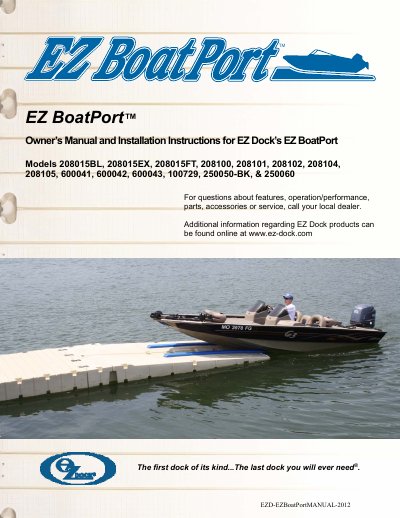
This manual provides step-by-step instructions for installing and using EZ Dock’s EZ BoatPort boat lift systems. It covers various models and accessories, including side extensions, float tanks, winch kits, and control pumps. The guide also includes safety warnings, tool requirements, and maintenance tips to ensure safe and long-term operation.
The EZ BoatPort is designed for durability and versatility, with a patented self-floating system that minimizes flex and absorbs shock. Installation can be done on land, in water, or on ice, and the manual includes diagrams and specifications for each component.
| Width | 80" (203.2 cm) |
|---|
The manual covers EZ Dock’s EZ BoatPort Models 208015BL, 208015EX, 208015FT, 208100, 208101, 208102, 208104, 208105, 600041, 600042, 600043, 100729, 250050-BK, & 250060.
Register online at www.ez-dock.com or use the warranty registration card provided by your distributor/dealer. You will need the serial number from the front of the EZ BoatPort.