
This document describes how to use the Keystone Electric Eye Zoom Camera Model K-7, including how to load film, how to project film, and how to adjust shutter speed.
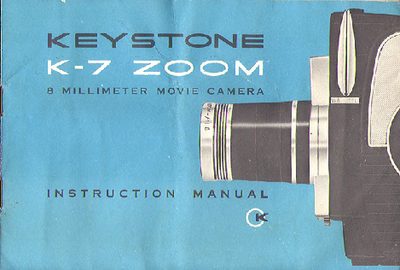
This manual provides instructions for the Keystone K-7 Electric Eye Zoom Camera, a device designed for 8mm color and black and white movie film. It details the camera's features, including its automatic exposure system, zoom lens, and various operating modes such as single frame and continuous run.
| Film Type | 8mm color or black and white movie film |
|---|
Always load or unload the camera in subdued light. Open the cover, remove the take-up spool, and thread the film between the pressure plate and aperture plate.
The operating lever is used to run the camera, lock the run, or operate in single frame mode for special effects.
Set the A.S.A. Film Index Dial to match the speed of the film being used, such as A.S.A. 10 for outdoor color film.