
This manual introduces the operating methods of the EASYFIELD perimeter, including preparation before use, operation methods, cleaning and maintenance after use.
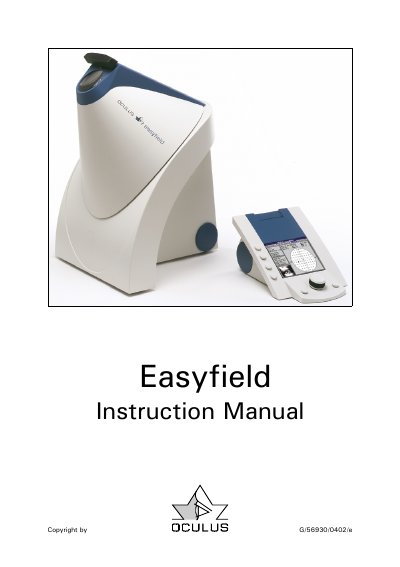
This manual provides step-by-step instructions for operating the OCULUS EASYFIELD perimeter, including patient data management, examination programs, and communication with a PC. It also covers safety precautions, maintenance, troubleshooting, and warranty information. The device is designed for medical use and requires proper training and technical care to ensure safe and accurate operation.
The manual includes detailed sections on preparing for first use, using the control unit, performing examinations, transferring data to a PC, and maintaining the equipment. Safety guidelines are emphasized, including proper handling, cleaning, and disposal procedures. Technical specifications and minimum PC requirements are also provided.
The manufacturer recommends having the unit inspected regularly every two years by service personnel.
The unit must not be stored or used in damp rooms or near dripping, gushing, or splashing water.
A safety disconnection device must be provided if the coupling might lead to higher leakage current values.