
User's Guide MultiMaster™ Digital MultiMeter Series With PC Interface Models: MM560A MM570A A
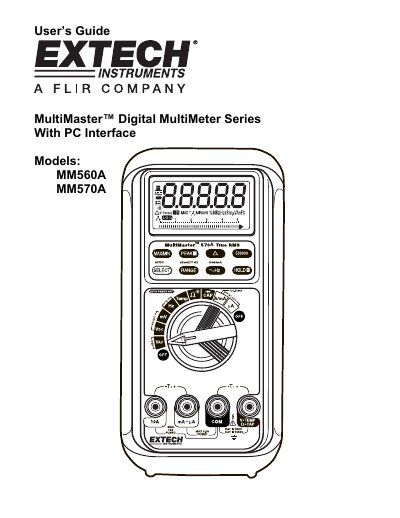
This manual provides safety information and operating instructions for the MultiMaster Digital Multimeter Series, specifically models MM560A and MM570A. It details the instrument's protection ratings, including Category III 1000 Volts AC & DC and Category IV 600 Volts AC & DC for the MM560A, and Category III 1000 Volts AC & DC and Category IV 600 Volts AC & DC for the MM570A terminals to COM.
| Display | 5-4/5 digits 500000 counts LCD display |
|---|---|
| NMRR | > 60dB at 50 and 60Hz |
| CMRR (ACV) | > 80dB at DC to 60Hz |
The MM560A terminals to COM have a measurement category of V: Category III 1000 Volts AC & DC, and Category IV 600 Volts AC & DC.
In AC Voltage, press the SELECT button momentarily to toggle between AC and dBm. In DC Voltage, press the SELECT button momentarily to toggle between DC, and DC+AC.
The normal forward voltage drop for a good silicon diode is between 0.400V to 0.900V.