
Key facts
- Manuals
- 1
- Languages
- EN
- Last added
- 2023-10-18
Featured MultiMaster manuals
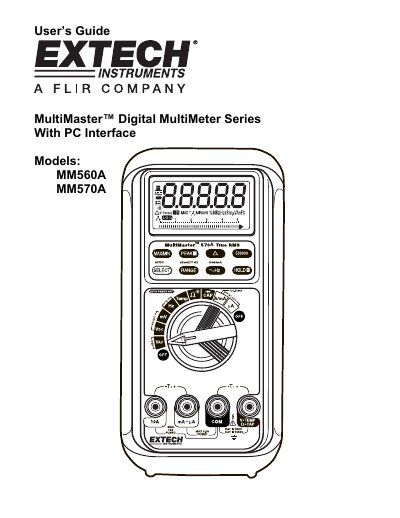
MultiMaster MM560A/MM570A Digital Multimeter User's Guide
This manual provides safety information and operating instructions for the MultiMaster Digital Multimeter Series, specifically models MM560A and MM570A. It details the instrument's protection ratings, including Category III 1000 Volts AC & DC and Category IV 600 Volts AC & DC for the MM560A, and Category III 1000 Volts AC & DC and Category IV 600 Volts AC & DC for the MM570A terminals to COM.
Covers: SAFETY · PRODUCT DESCRIPTION · OPERATION · AC Voltage, DC Voltage, DC+AC Voltage, & Hz · Logic Level Frequency and % Duty Cycle · T1-T2 Dual Channels Temperature function
Latest MultiMaster manuals
MultiMaster MM560A/MM570A Digital Multimeter User's Guide
User Manual 23 pages · 1020 KB · ENUser's Guide for MultiMaster MM560A and MM570A digital multimeters with PC interface models, covering safety, operation, and specifications.
Which document do I need?
User Manual
Day-to-day operation, settings and troubleshooting. Start here if the product is already set up.
Questions answered in MultiMaster manuals
What is the measurement category for the MM560A terminals to COM?
The MM560A terminals to COM have a measurement category of V: Category III 1000 Volts AC & DC, and Category IV 600 Volts AC & DC.
From: MultiMaster MM560A/MM570A Digital Multimeter User's Guide
How do I toggle between AC and DC voltage measurements?
In AC Voltage, press the SELECT button momentarily to toggle between AC and dBm. In DC Voltage, press the SELECT button momentarily to toggle between DC, and DC+AC.
From: MultiMaster MM560A/MM570A Digital Multimeter User's Guide