
EVG 610 mask aligner SOP
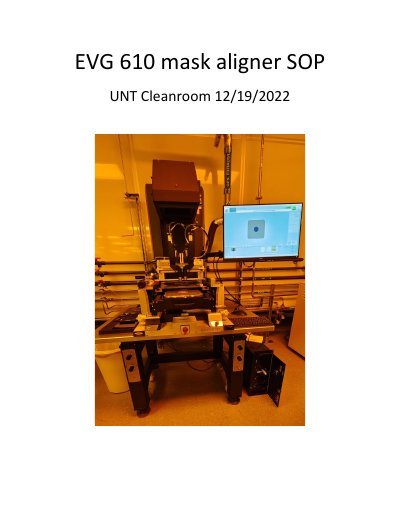
This document outlines the Standard Operating Procedure (SOP) for the EVG 610 mask aligner, specifically configured for a 2-inch chuck and flood exposure process with vacuum contact. It details the sequence for starting a session, including logging into the FOM, activating utilities like CDA, N2, and Vacuum lines, and selecting the appropriate recipe from the JC Baseline folder.
The guide provides step-by-step instructions for the physical operation of the machine, such as moving the tray, inserting the maskholder and loadframe, and aligning the stage. It concludes with procedures for removing the photomask, parking the tray, and safely turning off all utilities and logging off the system.
This manual is based on a 2-inch chuck.
The X and Y knobs align at 5mm and 0.
The rotation aligns at 5.2 and 50.