
This manual introduces the features and usage of Cobra CDR 825E dash cam.
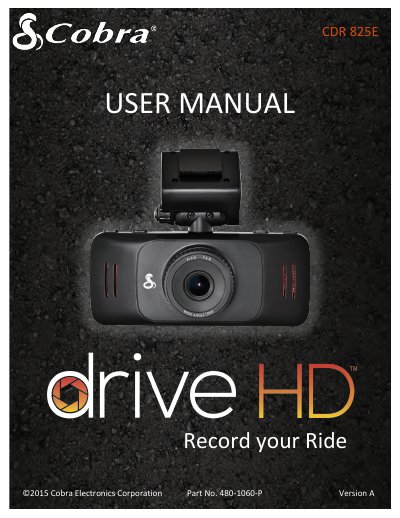
This user manual guides you through mounting, setting up, and operating the Cobra CDR 825E dash cam. It includes instructions for installation using adhesive or suction mounts, basic operation, menu navigation, and firmware updates. The camera records in 1080P Full HD with features like motion detection, G-Sensor, and continuous loop recording. It comes with an 8GB microSD card and supports 11 languages.
| Visual Angle | 140 degrees |
|---|---|
| Sensor | 5 MP CMOS (OV2710) |
You can install it using either the fixed adhesive mount or the suction cup mount, both included in the box.
It supports 11 languages: English, Dutch, Japanese, Spanish, Portuguese, Russian, French, Simplified Chinese, Korean, German, and Traditional Chinese.
Connect the device to a computer via USB, navigate to the Firmware Update Menu, select YES, and wait for the update to complete.