
This booklet describes the simple steps for mounting, setting up, and using your dash camera.
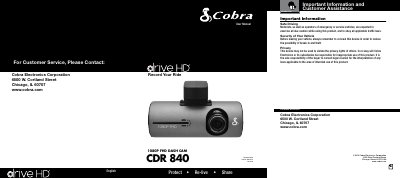
This manual guides users through mounting the dash cam on a windshield using the included suction cup mount. It details controls like the record button, menu navigation, and settings adjustment. The device records in 1080P Full HD with features like continuous loop recording, G-sensor for impact detection, and built-in microphone and speaker. It also includes instructions for connecting to a computer and using the included 8GB MicroSD card.
| Video Resolution | 1080P Full HD |
|---|---|
| Memory Card Capacity | up to 32 GB |
| Video Format | High Dynamic Range |
| G-Sensor | 3-axis |
Mount it on the front windshield behind the rear-view mirror using the included heavy-duty suction cup mount.
It records in 1080P Full HD with high dynamic range.
It senses sudden accelerations and collisions and automatically protects footage surrounding the incident.
The device accepts memory cards up to 32 GB.