
Introduces how to use Red Spider RFID Reader
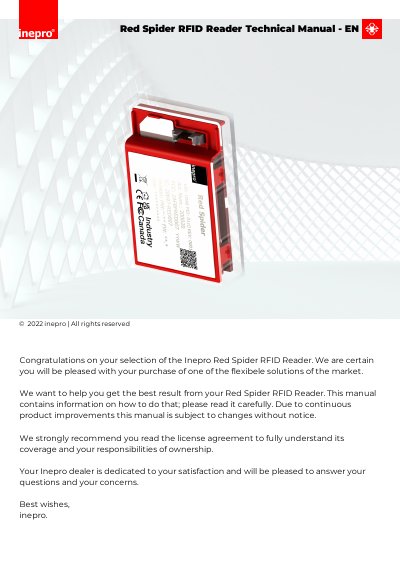
This manual provides step-by-step instructions for installing and configuring the Inepro Red Spider RFID Reader. It covers hardware and software setup, LED indicators, and troubleshooting common issues. The device reads RFID tags at 125KHz and 13.56 MHz and connects via USB to a computer.
The manual includes safety warnings, compliance certifications (FCC, CE, RCM), and technical specifications such as power, dimensions, and CPU details. It also explains how to test the hardware and interpret LED status indicators for proper operation.
| Power Supply | 5V |
|---|---|
| Power Consumption | DC5V DC: At maximum (depending on the configuration) 0.5 A |
| Dimensions | 37.85 mm x 62.25 mm x 12.5 mm |
| CPU | ARM 32-bit Cortex®-M3 |
| Memory (working storage) | SRAM 20 Kb |
| Storage | Flash Memory 64 Kb |
| Operating Temperature (Metric) | 0-40 degrees Celsius |
| Relative Humidity | 10%-90% (Non Condensing) |
It can read Bluetooth Low Energy, 125KHz and 13.56 MHz tags.
Connect the reader to a USB port, check the LED indicators, and present a card to verify recognition.