
This document introduces the features, specifications, and functions of Elevator Systems Inc's ESI-C CPU control system.
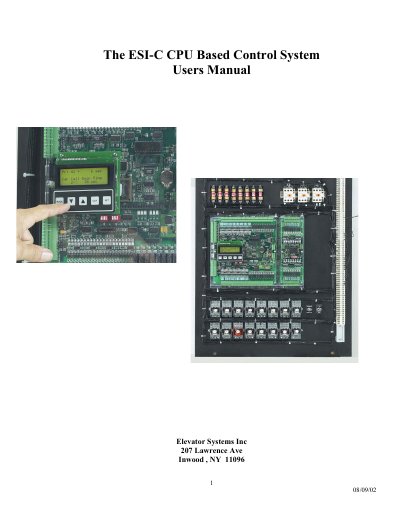
This manual describes the ESI-C CPU Based Control System, a rugged elevator controller featuring an AMD x86 compatible CPU core, multi-layer PCB, and integrated 4*20 LCD & keypad user interface. The system supports up to 512k Flash of program space and 512k SRAM, along with 45 optically isolated inputs and 21 dry contact outputs.
| CPU Core | AMD x86 Compatible |
|---|---|
| Program Space | Up to 512k Flash |
| RAM | Up to 512k SRAM |
| EEPROM | 16k |
| Inputs | 45 optically isolated |
| Outputs | 21 dry contact |
| Display | 4*20 LCD |
The available modes include ESI Mon, Job Info, View I/O, Internal Flags, Event Log, Place Car Call, Place Hall Call, Parameters, Setup, and Mem View.
To enable editing, you must set Parameter #20 to 3, then press SET to enter edit mode.
The range for the Top Floor parameter is 1 to 32.