
This document introduces the standard features, standard programmable features, options, environmental considerations, electrical requirements and technical data of the Tec 101 series products
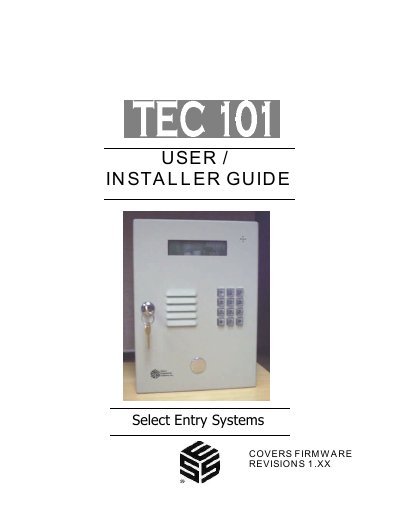
The Tec 101 is a microprocessor-based automatic call and entry control system available in 50 or 125 capacity models. It features a 2-line LCD display, programmable directory codes and PINs, and the ability to dial up to 14-digit phone numbers using either Touch-Tone or rotary signals. The unit supports remote door/gate release via Touch-Tone or PIN code entry.
| Memory Capacity | 50 or 125 |
|---|---|
| Display Type | Two line 16 character per line LCD |
| Power Input | 16.5 VAC 20 VA |
| Relay Output | 24V @ 3 AMP |
| Operating Temperature | 0º F TO +158º F |
| Mounting Options | Surface or Semi-flush |
Yes, the unit dials out either Touch-Tone or rotary signals, which is field programmable.
The unit can dial up to 14 digit phone numbers.
No, the battery is not required for memory storage, though it is recommended for line stability.