
Key facts
- Manuals
- 2
- Models
- 1
- Languages
- EN
- Last added
- 2023-10-18
Select Engineered Systems models by category
Featured Select Engineered Systems manuals
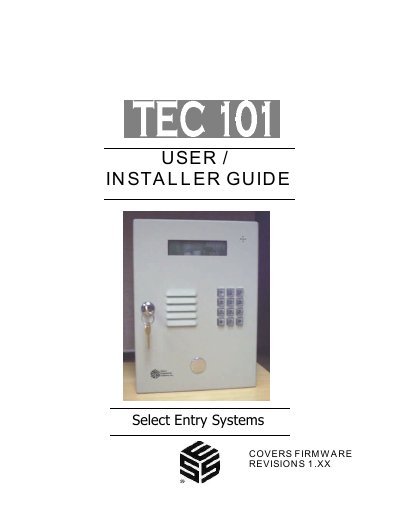
Select Engineered Systems Tec 101 Installation and User Guide
The Tec 101 is a microprocessor-based automatic call and entry control system available in 50 or 125 capacity models. It features a 2-line LCD display, programmable directory codes and PINs, and the ability to dial up to 14-digit phone numbers using either Touch-Tone or rotary signals. The unit supports remote door/gate release via Touch-Tone or PIN code entry.
Covers: Introduction · Standard Features · Installation Instructions · Wiring Hookup Connections · Setup and Programming · S1 Switch Selection
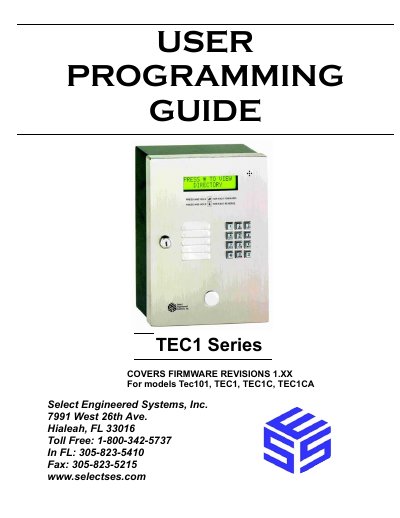
Select Engineered Systems TEC101, TEC1, TEC1C, TEC1CA User Manual
This manual provides user programming instructions for the TEC1 series telephone dialers, including how to add, remove, or modify names, phone numbers, and PINs. It covers FCC compliance requirements, such as Ringer Equivalence Number (REN) limits and proper connection to telephone lines. The device supports up to 6 digits for PINs and 14 characters for names. Programming is done via the keypad using specific key combinations. The unit is designed for commercial use and includes a stainless steel front door and aluminum back box. It operates on 18VAC 20VA transformer power and can function in temperatures from -0°F to 158°F.
Covers: FCC Requirements · Using a TEC1 · How to move quickly through directory choices · How to call someone · How to hang up · How to use Personal Identification Number
Latest Select Engineered Systems manuals
Select Engineered Systems Tec 101 Installation and User Guide
User Manual 36 pages · 937 KB · ENThis manual covers the installation, wiring, setup, and programming of the Tec 101 automatic call and entry control system.
Select Engineered Systems TEC101, TEC1, TEC1C, TEC1CA User Manual
User Manual 40 pages · 731 KB · ENUser programming guide for TEC1 series telephone dialers with FCC compliance and setup instructions.
Which document do I need?
User Manual
Day-to-day operation, settings and troubleshooting. Start here if the product is already set up.
Questions answered in Select Engineered Systems manuals
Can the Tec 101 dial rotary or Touch-Tone numbers?
Yes, the unit dials out either Touch-Tone or rotary signals, which is field programmable.
From: Select Engineered Systems Tec 101 Installation and User Guide
What is the maximum number of digits the Tec 101 can dial?
The unit can dial up to 14 digit phone numbers.
From: Select Engineered Systems Tec 101 Installation and User Guide
What is the maximum Ringer Equivalence Number (REN) allowed for the TEC1 series?
The sum of the RENs of all devices on any one line should not exceed five (5.0).
From: Select Engineered Systems TEC101, TEC1, TEC1C, TEC1CA User Manual
Who should perform repairs on the TEC1 device?
All repairs should be performed by Select Engineered Systems or an authorized agent.
From: Select Engineered Systems TEC101, TEC1, TEC1C, TEC1CA User Manual