
This file is the user manual for the CRV-CK-1 student response system
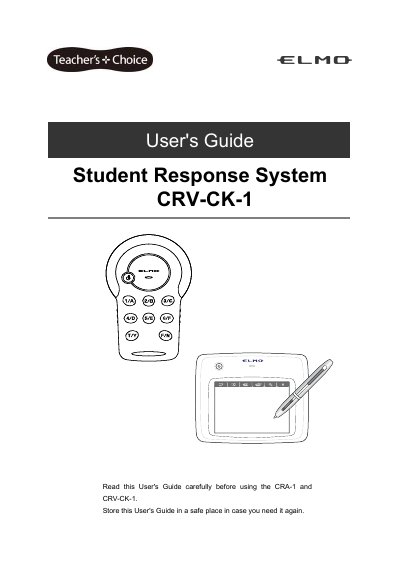
This guide provides instructions for using the ELMO CRV-CK-1 Student Response System, including setup, battery management, wireless configuration, and troubleshooting. It details the tablet and clicker functions, screen settings, and safety precautions. The system allows students to respond to questions via clickers, with results displayed visually in class.
The guide includes specifications for both the tablet (CRA-1) and clicker (CRV-CK-1), such as operating temperature, wireless range, battery life, and dimensions. It also covers safety warnings, proper storage, and disposal of the battery pack.
| Tablet Model Name | CRA-1 |
|---|---|
| Operating Temperature | 0 to 40 ºC |
| Reading Range | 8.0 x 5.0 inches (203.2 x 127.0 mm) |
| Reading Resolution | 0.0127 mm |
| Reading Accuracy | 0.42 mm |
| Reading Speed | 120 rps |
| Pen Pressure Level | 1024 level |
| Wireless Band Used | 2.4 GHz |
| Communication Range | Approx. 15 m |
| Power Supply | Battery pack (lithium-ion battery) |
| Continuous Operation Time | Approx. 22 hours |
| Auto Power Off Time | Approx. 30 minutes |
| Full Charging Time | Approx. 4 hours |
| Consumption Current (USB) | 5 V 500 mA |
| Consumption Current (Battery) | 3.7 V 60 mA |
| Compatible OS | Windows 7 / Vista SP1 / XP SP2 |
| External Dimensions (Tablet) | W315 x D257 x H23 (mm) |
| Weight (Tablet) | 670 g (including the tablet, wireless adapter, pen, dry cell AAA battery (for the pen), Tablet battery pack) |
| Clicker Model Name | CRV-CK-1 |
| Clicker Operating Temperature | 0 to 40 ºC |
| Clicker Wireless Band Used | 2.4 GHz |
| Clicker Communication Range | Approx. 15 m |
| Clicker Power Supply | Two dry cells (Type LR03, AAA) |
| Clicker Continuous Operation Time | Approx. 150 hours |
| Clicker Auto Power Off Time | Approx. 30 minutes |
| Clicker Consumption Current | MAX. 3.0V 60 mA |
| Clicker External Dimensions | L110 x W64 x H26 (mm) |
The operating temperature range is 0 to 40 ºC.
The wireless communication range is approximately 15 meters, depending on usage conditions.
The tablet battery provides approximately 22 hours of continuous operation.
The tablet is compatible with Windows 7, Vista SP1, and XP SP2.