
This is a user manual for Elmo Wireless Pen Tablet (CRA-2). It introduces the product's usage methods and precautions.
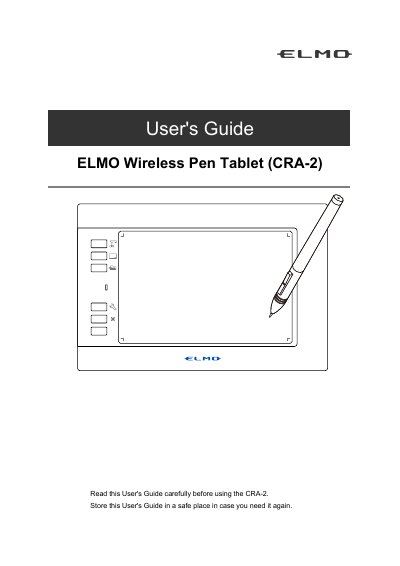
This guide explains how to use the ELMO CRA-2 wireless pen tablet, including setup with a computer or document camera, charging, and basic operations. It also covers safety precautions, environmental conditions, and troubleshooting common issues.
The tablet uses 2.4 GHz wireless technology and requires proper placement to avoid interference. It includes a built-in lithium-ion battery that degrades over time and must be recycled properly.
It enhances lessons by wirelessly connecting to a computer after installing supplied software.
The supplied items include the tablet, USB cable, pen, wireless dongle, extra core ×8, Quick Start Guide, IMPORTANT SAFEGUARDS, and pen holder.
The operating temperature range is 0 to 40°C.
The product uses electric waves in the 2.4 GHz band.