
This manual introduces the overview, configuration, and use of the wireless LAN controller.
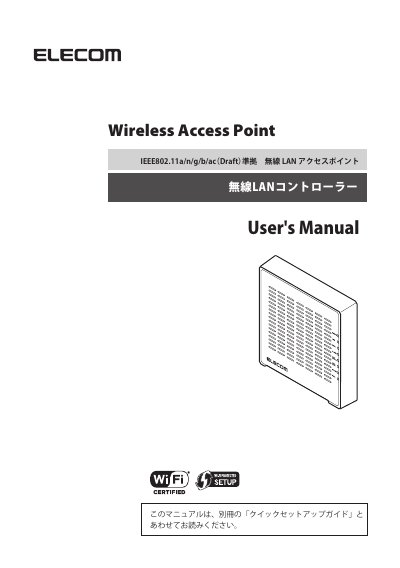
This manual guides users through setting up and managing a Wireless LAN Controller, including master and slave AP modes. It covers firmware updates, configuration utilities, and network settings. The device allows centralized management of up to 7 slave APs via a web-based interface, designed for small office environments to reduce costs and simplify administration.
The manual includes detailed chapters on dashboard, zone planning, NMS monitoring, local network settings, and tools. It also provides support contact information and notes that the product is for Japanese domestic use only. This manual is written in Japanese.
The support phone number is 0570-070-040.
You must update the firmware to a version that includes the wireless LAN controller function.