
This is the user manual for EinScan Pro 2X series, including hardware, software, calibration, scanning and other content
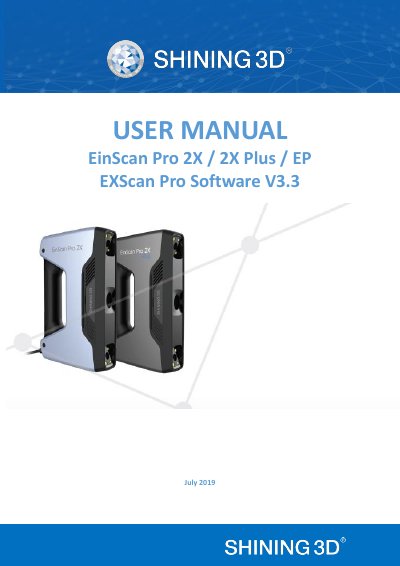
This document is the official user manual for the EXScan Pro 3.3.0.0 software, designed for the EinScan Pro 2X series of 3D scanners (models EP, 2X Plus, and 2X). It provides comprehensive instructions on hardware setup, software installation, and device activation. The guide details the various scanning modes available, including Handheld HD, Handheld Rapid, Fixed Mode, and HD Prime, along with specific workflows for each.
| Scan Accuracy (Handheld HD) | Up to 0.05 mm |
|---|---|
| Scan Accuracy (Handheld Rapid) | Up to 0.1 mm |
| Scan Accuracy (Fixed) | 0.04mm (Single shot accuracy) |
| Volumetric Accuracy | 0.3 mm/m (Markers Alignment) |
| Supported OS | Win7/Win8/Win10 64 bit |
| Data Format | OBJ, STL, ASC, PLY, 3MF, P3 |
The software supports Windows 7, Windows 8, and Windows 10 64-bit operating systems.
The scanner can export data in OBJ, STL, ASC, PLY, 3MF, and P3 formats.
The recommended processor is an Intel Core i7-8700.