
Key facts
- Manuals
- 2
- Languages
- EN
- Last added
- 2026-10-17
Featured Shining 3D manuals
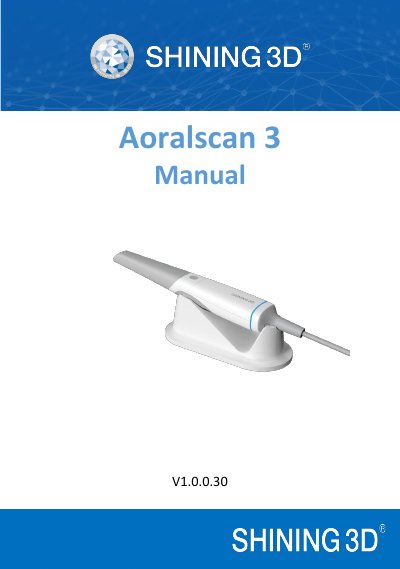
Shining 3D Aoralscan 3 Intraoral Scanner User Manual
The Shining 3D Aoralscan 3 is an intraoral scanner designed for use by dental professionals to acquire 2D and 3D color images of teeth and gingiva. It facilitates comfortable mold taking and improves efficiency for back-end processing in orthodontic, implant, and restoration applications. The device operates using a probing optical scanning head and requires specific software to function.
Covers: Read This First · Safety Information · Unpack the Package · Scanner Overview · Setting the Scanner · Scanning Preparations
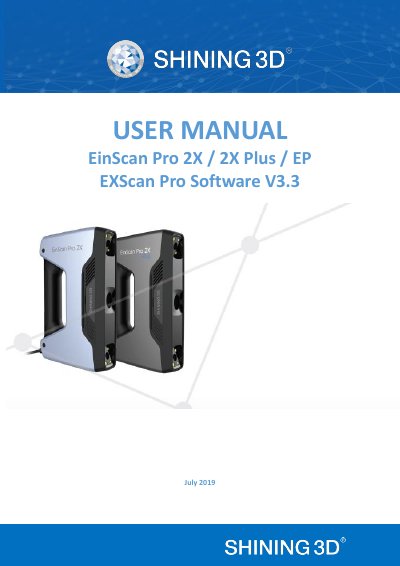
SHINING 3D EinScan Pro 2X Series EXScan Pro Software User Manual
This document is the official user manual for the EXScan Pro 3.3.0.0 software, designed for the EinScan Pro 2X series of 3D scanners (models EP, 2X Plus, and 2X). It provides comprehensive instructions on hardware setup, software installation, and device activation. The guide details the various scanning modes available, including Handheld HD, Handheld Rapid, Fixed Mode, and HD Prime, along with specific workflows for each.
Covers: About SHINING 3D · Hardware Introduction · Specifications · PC Requirements · Software Installation · Device Activation
Latest Shining 3D manuals
Shining 3D Aoralscan 3 Intraoral Scanner User Manual
User Manual 58 pages · 1.4 MB · ENThis manual covers the installation, usage, maintenance, and safety instructions for the Shining 3D Aoralscan 3 intraoral scanner.
SHINING 3D EinScan Pro 2X Series EXScan Pro Software User Manual
User Manual 137 pages · 7.7 MB · ENThis manual covers the installation, operation, calibration, and post-processing of the EXScan Pro software for SHINING 3D EinScan Pro 2X, 2X Plus, and EP…
Which document do I need?
User Manual
Day-to-day operation, settings and troubleshooting. Start here if the product is already set up.
Questions answered in Shining 3D manuals
Who is authorized to operate the Aoralscan 3?
The product is designed and intended for use by persons with professions of dentistry and dental laboratory technology.
What is the use period of the scanner?
The use period is 8 years.
What are the supported operating systems for the EXScan Pro software?
The software supports Windows 7, Windows 8, and Windows 10 64-bit operating systems.
From: SHINING 3D EinScan Pro 2X Series EXScan Pro Software User Manual
Which data formats can the scanner export?
The scanner can export data in OBJ, STL, ASC, PLY, 3MF, and P3 formats.
From: SHINING 3D EinScan Pro 2X Series EXScan Pro Software User Manual