
This document is the Isata3 user manual, which mainly introduces the functions and usage methods of this product.
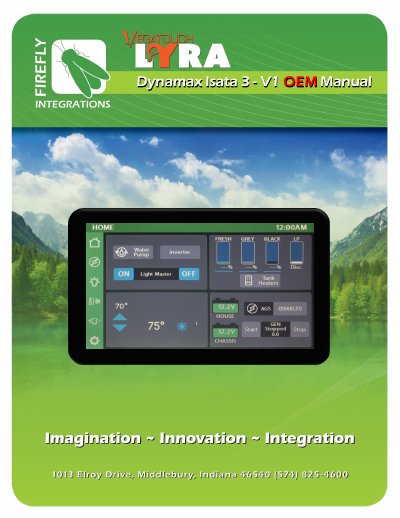
This manual guides users through the Firefly system’s features including Auto Gen Start (AGS), lighting control, climate settings, slide operation, and network diagnostics. It explains how to configure settings, pair wireless switches, manage display colors, and interpret network status indicators. The system includes visual feedback for status changes and detailed controls for generator hours, voltage thresholds, and climate modes.
The manual also covers troubleshooting tips, such as memory behavior for Light Master controls, and provides step-by-step instructions for enabling AGS triggers, setting voltage thresholds, and managing generator run times. Network status is indicated via LED colors, with clear definitions for each state.
| Generator Hours Display | Shows total generator hours accumulated and current status (running or stopped) |
|---|---|
| Minimum Gen Run Time | 10min – 30min |
| Maximum Gen Run Time | 120min – 720min |
| Gen Start Retries | 1-5 retries |
| Light Master Memory | Remembers which lights were on when turned off |
When Light Master Off is pressed, it remembers which lights were on. When Light Master On is pressed, it only turns on those lights. To turn all lights back on, press and hold Light Master On for at least one second.
AGS automatically starts the generator based on voltage settings or HVAC triggers, and shuts it off based on voltage thresholds and time settings.
Use the +/- buttons to set the minimum run time between 10 and 30 minutes.
Fast flashing green = device attempting connection; slow flashing green = offline for >5 sec; solid green = connected; solid red = offline; alternating red/orange = trying to reconnect; alternating green/orange = offline 2+ times.