
DYNAMAX MicroClimate 2 Weather Station User Manual

MICRO 2 Weather Station User Manual
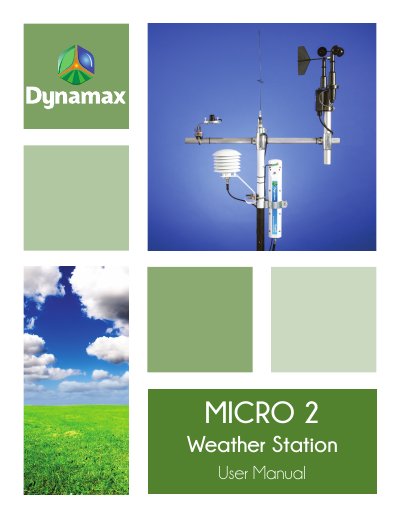

DYNAMAX MicroClimate 2 Weather Station User Manual - cover page
Brand
Dynamax
Document type
User Manual
Language
English
Pages
15
File format
PDF
File size
2.7 MB
Published
18 October, 2023
Updated
18 October, 2023
MD5 checksum
D9AB9104A75D85E32485F31C975215A1

About this manual

This manual provides step-by-step instructions for installing the DYNAMAX MicroClimate 2 weather station, including mounting the pole, installing sensors, and connecting the solar panel. It also covers grounding requirements and sensor orientation for accurate data collection.

The document includes detailed diagrams and specifications for mounting hardware, sensor placement, and electrical connections. It references external sources like Campbell Scientific for portions of the content and includes legal disclaimers regarding patents and warranties.

What's inside

  • Installation
  • Sensor Setup
  • Grounding
  • Wind Direction Sensor Orientation
  • Temperature and RH Sensor Mounting
  • Solar Radiation Sensor Installation
  • Solar Panel Mounting
  • Enclosure Installation

Frequently asked questions

What is the default height for the MicroClimate 2 sensor installation?

The sensor default height is 6 ft or 2m above the ground surface.

How long must the user wait for the concrete to set after installing the mounting pole?

The user must wait for about 24 hours while the concrete sets.

What is the required diameter for the posthole when installing the mounting pole?

The posthole must be 6 - 8 in diameter and 4 ft deep.

Download PDF (2.7 MB)

More Dynamax Manuals


View all Dynamax manuals →