
This document is the operating manual for Intelix DIGI-HD60C. It introduces how to setup and use this device.
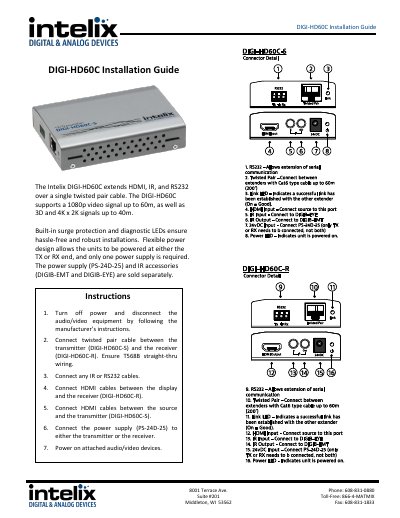
This guide explains how to install the Intelix DIGI-HD60C, which extends HDMI, IR, and RS232 signals over a single twisted pair cable. It supports 1080p video up to 60m and 4K/3D up to 40m. The guide covers cabling with T568B wiring, IR extension using DIGIB-EYE and DIGIB-EMT, and troubleshooting common issues like no signal or color problems.
The unit includes diagnostic LEDs, surge protection, and flexible power options. It requires a separate power supply (PS-24D-25) and IR accessories, and must be installed with powered-off equipment to avoid ESD damage.
| Maximum Video Compatibility at 60m | 1080p, Deep Color 36/30/24 Bit |
|---|---|
| Maximum Distance | 60 m |
| Cable Requirements | Category 5e, 6, or 6A with TIA/EIA-568B crimp pattern |
| Power Supply | 24VDC / 1.5 Amp |
| Operating Temperature (Environment) | 0° to +40° C |
| Dimensions | 110mm x 76mm x 24mm |
The unit comes with a 2-year standard warranty.
The unit supports a 1080p video signal up to 60m.
You must use T568B straight-thru wiring for the cable connection.
The enclosure measures 110mm x 76mm x 24mm.