
Installation guide for Intelix DIGI-HDX-S and DIGI-HDX-R HDMI extenders, covering setup, wiring, and troubleshooting for HDBaseT technology.
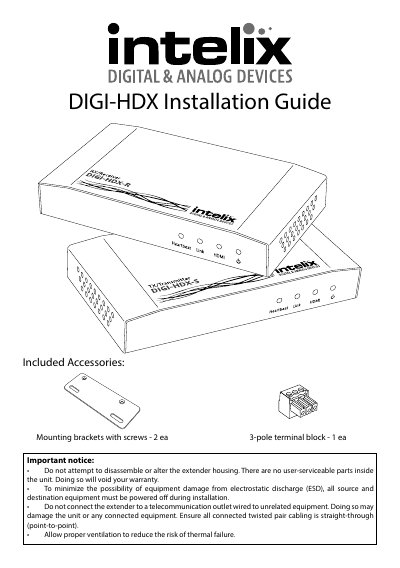
This document provides installation instructions for the Intelix DIGI-HDX series HDMI extenders, which utilize HDBaseT technology to transmit video, audio, and control signals up to 90 meters over a single shielded cable. The guide covers both the transmitter (DIGI-HDX-S) and receiver (DIGI-HDX-R) units, detailing the included accessories and safety precautions required before installation.
| Maximum Distance | 90 m |
|---|---|
| Cable Requirements | Solid core shielded Category 5e, Category 6 or greater |
| Bandwidth | 10.2 Gbps |
| Maximum Power Consumption | 22 watts |
| Operating Temperature (Environment) | 0° to +40° C |
| Operating Humidity (Environment) | 20% to 90%, Non-condensing |
| Standard Warranty | 2 Years |
The DIGI-HDX supports transmission up to 90 meters (295 feet) using shielded Cat 5e or greater cable.
Yes, the flexible power design allows the DIGI-HDX series to be powered at either the TX or RX end, requiring only one power supply.
The four LEDs indicate Power, Heartbeat, Link, and HDMI status to assist with troubleshooting the installation.