
This file is the user manual of Digi-Sense Pressure and Flow Meter(Model 20250-13), it introduces the features and usage of the product.
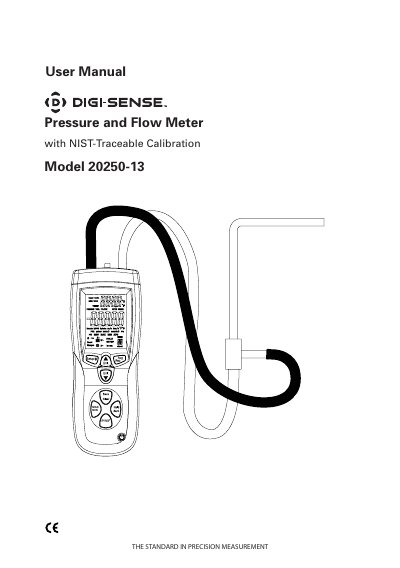
This user manual covers the operation and setup of the Digi-Sense Pressure and Flow Meter, Model 20250-13, a heavy-duty instrument for measuring differential and static pressure, air velocity, and airflow. It includes instructions for unpacking, using the display and controls, setting duct dimensions, and managing data. The meter features NIST-traceable calibration, data save/recall, and automatic power-off. It is designed for HVAC applications to ensure proper airflow and indoor air quality.
The manual details how to toggle between measurement modes, use the USB interface, and configure duct shape and dimensions. It also explains how to enter and exit Setup mode, change units, and manage stored sample data. The device comes with a carrying case, USB cable, software, and a NIST-traceable calibration report.
| Calibration Standard | NIST-traceable |
|---|---|
| Measurement Types | Differential and static pressure, air velocity, airflow |
| Display | Large backlit LCD |
| Data Storage | 99 sample readings per parameter |
| Power Management | Automatic power-off (sleep) mode |
It measures differential and static pressure, and calculates air velocity and airflow.
It can store 99 sample readings per parameter.
The meter is calibrated to NIST-traceable standards.