
This manual introduces how to use Digi-Sense USB data logger. The data logger can measure ambient temperature and relative humidity and record data to the memory, the maximum record is 32,000 data. Users can use the software to set sampling rate, high/low alarm thresholds and start mode. The recorded data can be downloaded to the computer via the integrated USB interface for analysis, graphing and documentation.
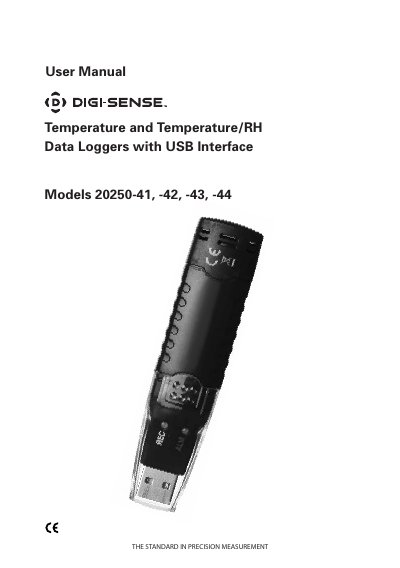
This user manual covers setup, operation, and software use for Cole-Parmer’s Digi-Sense USB data loggers. Models 20250-42 and 43 include humidity measurement. The device records up to 32,000 readings and can be configured via software for sampling rate, alarm thresholds, and start mode. Data can be downloaded via USB for analysis and graphing. The manual also includes instructions for battery replacement and sensor reconditioning.
| Maximum Readings | 32,000 |
|---|---|
| Models with Humidity | 20250-42, -43 |
| USB Interface | Integrated USB interface for setup and data download |
| Battery Voltage | 3.6 V |
Press and hold the Start button for 3 seconds until the green LED lights up.
All operations are disabled automatically, and data is retained. Replace the battery and use the software to restart logging.
Yes, in real-time mode, data is logged and displayed while the logger is still plugged into the computer’s USB port.