
This is an installation guide that describes how to install the Interlogix Concord 4 control panel.
This guide provides step-by-step instructions for installing the Interlogix Concord 4 control panel, including panel location, power and wire length specifications, mounting procedures, and programming using an alphanumeric touchpad. It details hardware capabilities, device compatibility, and wire length limits for various SuperBus 2000 modules and detectors. The guide also covers grounding, antenna installation, and touchpad programming functions for system configuration.
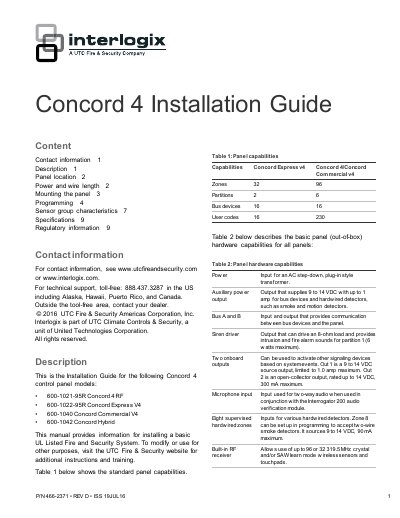
| Panel Capabilities - Zones | 32 for Concord Express v4, 96 for Concord 4/Concord Commercial v4 |
|---|---|
| Panel Capabilities - Partitions | 2 for Concord Express v4, 6 for Concord 4/Concord Commercial v4 |
| Panel Capabilities - Bus Devices | 16 for both models |
| Panel Capabilities - User Codes | 16 for Concord Express v4, 230 for Concord 4/Concord Commercial v4 |
| Total System Wire Length - 18-gauge Unshielded | 4,000 ft |
The Concord 4/Concord Commercial v4 supports 96 zones, 6 partitions, 16 bus devices, and 230 user codes.
The total system wire length allowed is 4,000 ft.