
This manual introduces the basic functions and operation methods of BFC-64 controller.
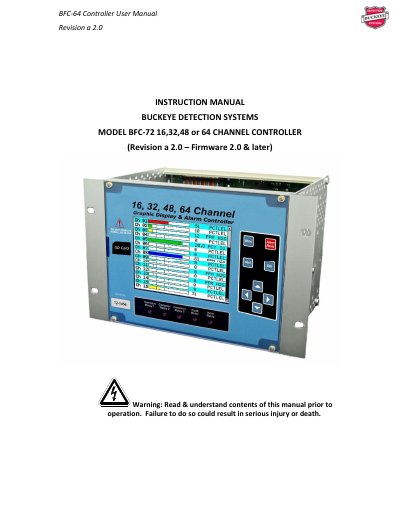
This manual provides detailed instructions for operating and configuring the BFC-64 controller, including menu navigation, alarm settings, communication protocols, and enclosure options. It also covers troubleshooting, network connections, and wireless setup. Safety warnings and technical specifications are included for proper installation and use.
The document is structured into sections covering general description, basic operation, input/output boards, diagnostics, Modbus configuration, enclosure options, wireless settings, web interface, troubleshooting, and network connection methods.
| DC Power Supply Requirements | 600 WATT AC — 24VDC POWER SUPPLY, 150 WATT AC — 24VDC POWER SUPPLY |
|---|---|
| Ambient Temperature Range | Not specified in text |
| Humidity Range | Not specified in text |
| Altitude | Not specified in text |
| Housings | Not specified in text |
The controller requires either a 600 WATT AC — 24VDC power supply or a 150 WATT AC — 24VDC power supply.
Select 'Use the following IP Address', choose an IP different from the BFC-64's, set subnet mask to 255.255.255.0, and enter gateway if applicable. Click OK twice to apply.
The BFC-64 defaults to use a dynamic IP address via DHCP, which is recommended unless multiple units need to communicate.