
Provides instructions for installation and operation of the Dynalco SST7200D / SST7400D speed switches, and describes the features and characteristics of these products
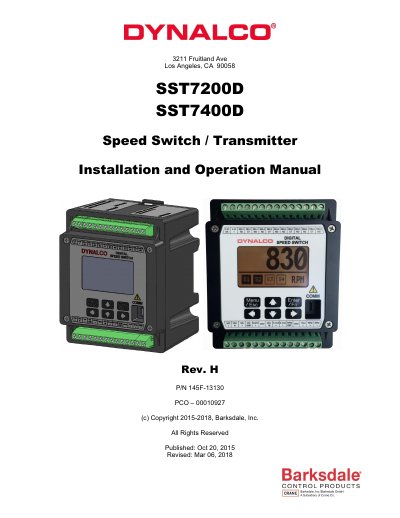
This manual provides installation and operation instructions for the Barksdale SST7200D and SST7400D speed switches. These DIN rail mountable devices convert rotational speed (RPM) to a 4-20 mA analog output and feature programmable relay trips for overspeed or underspeed protection. The devices accept pulsed inputs from 2 or 3-wire speed sensors and can be programmed via PC software or a front panel keypad.
| Input Supply Voltage | 10 - 36 VDC |
|---|---|
| Frequency Input Range | 0 – 50 KHz |
| Response Time | 50 milliseconds |
| Operating Temperature Range | -40 to +70 DegC |
| Relay Contact Rating | 6.0 Amps @ 28 VDC |
It can be programmed via a USB connection to a PC using host software or via the front keypad/display.
The device accepts a pulsed input from either a 2 or 3-wire speed sensor.
The device converts rotational speed to an industry standard 4 – 20 mA analog output.