
This is a guide to the use of Medical Reserve Corps Handbooks and Manuals. The Manuals are available in a basic version and an in-depth version, which you can choose according to your needs.
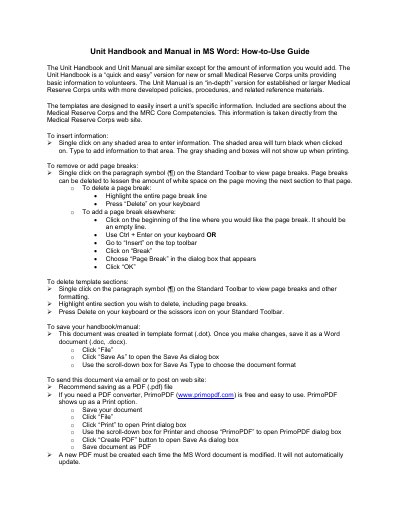
This document provides step-by-step instructions for using MS Word templates to create unit handbooks and manuals for Medical Reserve Corps units. It explains how to insert custom information, manage page breaks, delete sections, and save or export the document as a PDF. The guide is designed for both new and established units, offering different levels of detail.
The Unit Handbook is a quick and easy version for new or small units, while the Unit Manual is an in-depth version for established or larger units.
Single click on any shaded area to enter information, and the shaded area will turn black when clicked on.
Save it as a Word document (.doc, .docx) by clicking File, then Save As, and choosing the document format.