
This document describes the use of BonitoDemo, a demo application for Bonito cameras that works with Silicon Software frame grabbers.
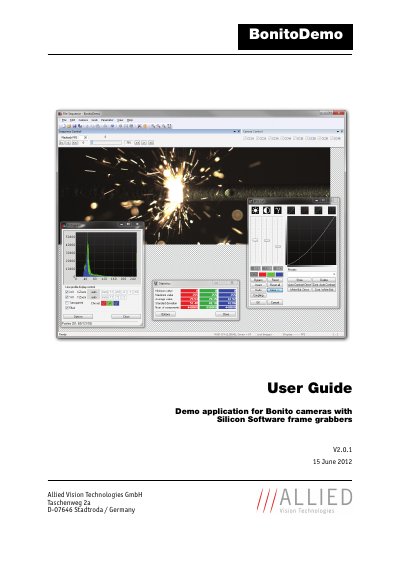
This manual describes the usage of the BonitoDemo application in combination with Bonito cameras and Silicon Software frame grabbers. It is designed for customers who want to become quickly acquainted with the Bonito camera and its features, particularly in fast mode where two high-speed frame grabbers are required. BonitoDemo allows synchronization of left and right half images and provides functions for saving sequences in different formats, as well as image pre-processing and analyzing functions like background correction and histogram analysis.
The document covers system requirements for the PC, camera, and frame grabber, installation steps for the software and Silicon Software Runtime, and detailed instructions on operating the graphical user interface. It includes sections on selecting camera models, operation modes, grabbing image sequences, image postprocessing, and saving or loading sequences.
| Compatible Frame Grabbers | microEnable IV AD4-CL firmware 1.03 or newer; microEnable IV VD4-CL firmware 1.28 or newer |
|---|---|
| Compatible Cameras | AVT Bonito CL-400B or Bonito CL-400C |
| PC RAM Requirement | 2 GB RAM (4 GB recommended) |
| Hard Disk Space for Installation | 15 MB |
| Hard Disk Space per Image | about 4 MB |
| Graphic Card Requirement | Microsoft DirectX 7 compatible graphic card 128 MB (256 MB recommended) |
The PC requires Microsoft Windows 7, a current Intel processor (dual core or more), an Intel X58 chipset or comparable PCIe performance, 2 GB RAM (4 GB recommended), and a Microsoft DirectX 7 compatible graphic card with 128 MB (256 MB recommended).
BonitoDemo supports the Silicon Software frame grabber microEnable IV AD4-CL with firmware version 1.03 (hex) or newer and the microEnable IV VD4-CL with firmware version 1.28 (hex) or newer.