
The UDM 35/40 Series is a universal Digital Panel Meter that has been developed to meet the most advanced application requirements. It offers quick assembly and maintenance using plug & play modules, quick & easy parameter programming and parameter cloning to other UDMs, powerful variable control by means of up to four (4) alarm outputs, and alarms can be up-down functions with automatic reset, up-down with manual reset, and down alarm with disable function at power- up.
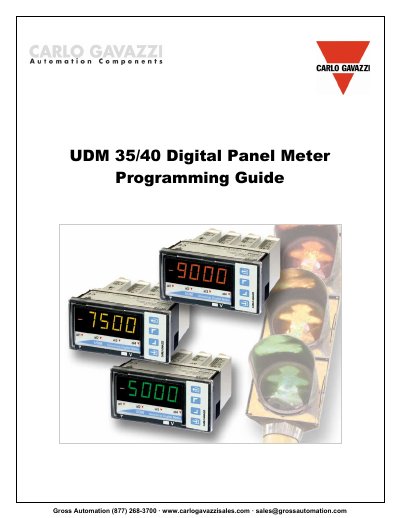
This user manual guides users through programming and configuring the UDM 35/40 digital panel meter. It covers access to programming mode, input selection, temperature compensation, display configuration, alarm settings, digital filtering, analog output, and serial port output. The UDM 35 offers plug-and-play modules and four alarm outputs, while the UDM 40 adds color display options and 16-point linearization. Both models support password protection and parameter cloning via UDMSoft or PC HyperTerminal.
The factory default password is set to 0000.
You must press and hold the key for 2 seconds.
The unit will revert to RUN mode.