
Key facts
- Manuals
- 1
- Languages
- EN
- Last added
- 2023-10-18
Featured Gross Automation manuals
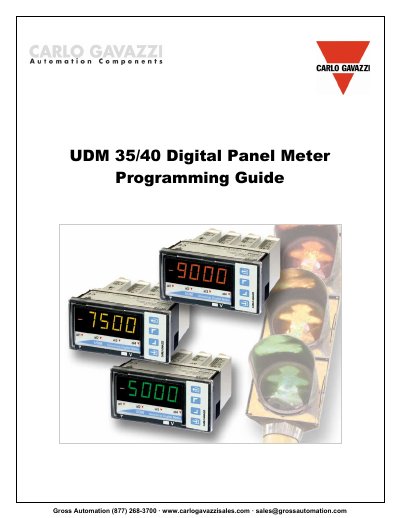
Gross Automation UDM 35/40 Digital Panel Meter User Manual
This user manual guides users through programming and configuring the UDM 35/40 digital panel meter. It covers access to programming mode, input selection, temperature compensation, display configuration, alarm settings, digital filtering, analog output, and serial port output. The UDM 35 offers plug-and-play modules and four alarm outputs, while the UDM 40 adds color display options and 16-point linearization. Both models support password protection and parameter cloning via UDMSoft or PC HyperTerminal.
Covers: Programming Fundamentals · Access to Programming Mode/Password Protection · Inputs · Temperature Compensation · Display Configuration · Alarm Set Point Configuration
Latest Gross Automation manuals
Gross Automation UDM 35/40 Digital Panel Meter User Manual
User Manual 19 pages · 890 KB · ENUser manual for Gross Automation's UDM 35/40 digital panel meter, covering programming, input configuration, temperature compensation, display settings…
Which document do I need?
User Manual
Day-to-day operation, settings and troubleshooting. Start here if the product is already set up.
Questions answered in Gross Automation manuals
What is the factory default password for the UDM 35/40?
The factory default password is set to 0000.
From: Gross Automation UDM 35/40 Digital Panel Meter User Manual
How long must you press and hold a key to enter the programming mode?
You must press and hold the key for 2 seconds.
From: Gross Automation UDM 35/40 Digital Panel Meter User Manual