
This document introduces the use of ARCTICAIR DC OLED Digital Control
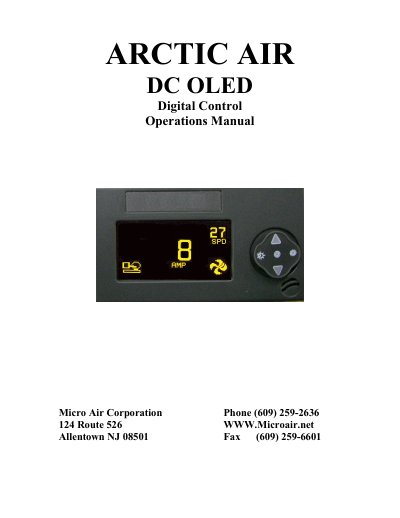
This manual provides operating instructions for the ARCTIC AIR DC OLED Digital Control unit. It details the initial power-up sequence, the functions of the On/Off, Select, Fan Control, and Joystick buttons, and explains how to navigate between modes such as Screen Saver, Off Mode, and Cooling Mode.
| Set point range | 55°F to 85°F (12.7°C to 29.4°C) |
|---|---|
| Ambient temperature range displayed | 5°F to 150°F |
| Sensor accuracy | +/-2°F at 77°F |
| Input Voltage | 9-35 VDC |
| Minimum operating temperature | 0°F |
| Maximum operating temperature | 180°F |
| Maximum RH conditions | 95% Non-condensing |
| Maximum length of the display cable | 35 Feet |
The display will show 'ARCTICAIR' and the software revision, then return to the last mode the unit was in.
The screen saver is activated after two minutes without any button press in any mode.
Put the unit in off mode, then press the sequence: Select, Up, Down, Select.
It selects the Masterflux controller interface (027 or 072) and must be set by the factory.