
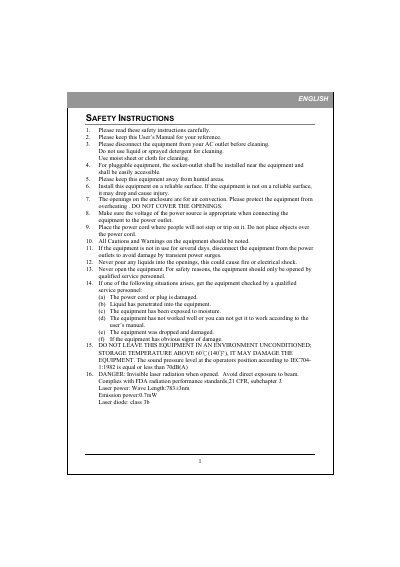
This document contains some safety instructions for using this device, such as the device should be stored in a dry place and the power should be disconnected before installation.
This manual provides instructions for a versatile COMBO drive that functions as a CD rewriter, CD recorder, and CD/DVD reader. It details the drive's capabilities, including support for various recording modes like Track at Once, Disc at Once, and Packet Writing, as well as compatibility with CD-R, CD-RW, and DVD formats.
The guide covers system requirements for installation, physical setup including IDE jumper configurations, and operational procedures such as loading media and playing discs. It also includes a troubleshooting section for read and write problems.
| Laser Class | Class 3b |
|---|---|
| Laser Wavelength | 783±3nm |
| Laser Emission Power | 0.7mW |
| Recommended CPU | Pentium 166 MHz or higher |
| Recommended Memory | Minimum 128MB |
| Interface | IDE |
Insert a small stick or paper clip into the Emergency Eject Hole on the front panel.
It is strongly suggested to connect the COMBO drive to the Secondary IDE port as the MASTER device.