
This manual introduces shift selector oil level information, diagnostic codes and prognostic features for Allison Transmissions 3000/4000 series and TC10 series.
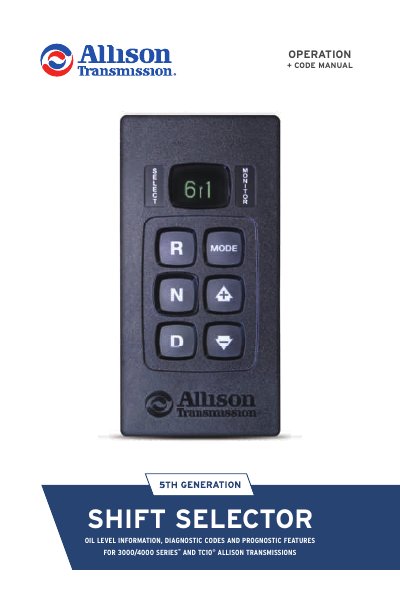
This manual explains how to check transmission fluid levels and access diagnostic and prognostic features on Allison 5th Generation Electronic Controls Shift Selectors. It covers procedures for checking oil levels, resetting prognostics, and reading diagnostic codes for 3000/4000 Series and TC10 transmissions. The guide includes step-by-step instructions for both pushbutton and bump lever shift selectors, with specific procedures for different configurations (with or without oil level sensors and prognostics).
Park the vehicle on a level surface, shift to N (NEUTRAL), and apply the parking brake. For pushbutton selectors, press UP and DOWN arrows once. For bump lever selectors, press DIAGNOSTICS once. The display will show correct, low, or high fluid levels.
For oil life, press UP/DOWN twice (pushbutton) or DIAGNOSTICS twice (bump lever). For filter life, press UP/DOWN three times (pushbutton) or DIAGNOSTICS three times (bump lever). For transmission health, press UP/DOWN four times (pushbutton) or DIAGNOSTICS four times (bump lever).
Diagnostic codes range from P0122 to U059A. Up to five codes may be stored. Active codes appear first, newest to oldest, followed by inactive codes. Codes can be accessed by pressing UP/DOWN five times (pushbutton) or DIAGNOSTICS five times (bump lever).