
This document is a user manual for Electronic Parts Catalog. It includes information about how to login, understand icons and views, search for products and information, bookmark favorites, utilize illustration hotspots, shopping cart, customer error report log, quotation request, admin, contact us.
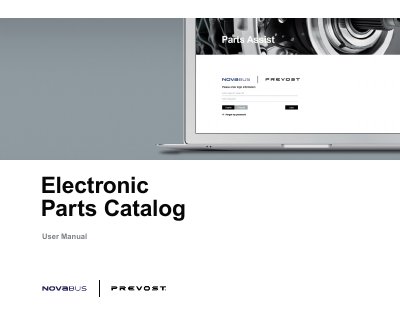
This document is the user manual for the Electronic Parts Catalog software used by Prevost and Nova Bus. It guides users through the login process for existing and new accounts, password recovery, and language selection. The manual explains how to navigate the catalog view, which includes illustration diagrams and Bill of Materials (BOM) lists, and how to utilize various tools like search, filtering, and hotspots.
New users need to setup an account by contacting [email protected] to request an account for Parts Assist.
New users need to setup an account by contacting [email protected] to request an account for Parts Assist.
Simply click the forgot my password link, enter your email address, and check your email for new login details.