
Key facts
- Manuals
- 1
- Languages
- EN
- Last added
- 2023-10-17
Featured PREVOST manuals
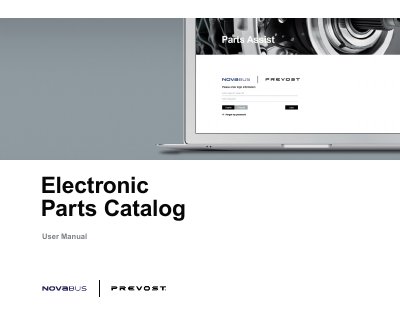
Prevost Nova Bus Electronic Parts Catalog User Manual
This document is the user manual for the Electronic Parts Catalog software used by Prevost and Nova Bus. It guides users through the login process for existing and new accounts, password recovery, and language selection. The manual explains how to navigate the catalog view, which includes illustration diagrams and Bill of Materials (BOM) lists, and how to utilize various tools like search, filtering, and hotspots.
Covers: Getting Started · Login screen · Resetting your password · Landing Page · Catalog View · Catalog Icons
Latest PREVOST manuals
Prevost Nova Bus Electronic Parts Catalog User Manual
User Manual 31 pages · 2.4 MB · ENUser manual for the Prevost Nova Bus Electronic Parts Catalog, covering login, search, illustration views, and administrative functions.
Which document do I need?
User Manual
Day-to-day operation, settings and troubleshooting. Start here if the product is already set up.
Questions answered in PREVOST manuals
How do new users set up an account for Prevost?
New users need to setup an account by contacting [email protected] to request an account for Parts Assist.
How do new users set up an account for Nova Bus?
New users need to setup an account by contacting [email protected] to request an account for Parts Assist.