
This document is the manual of testo EasyClimate software, which mainly introduces the software usage methods, including installation, configuration and use.
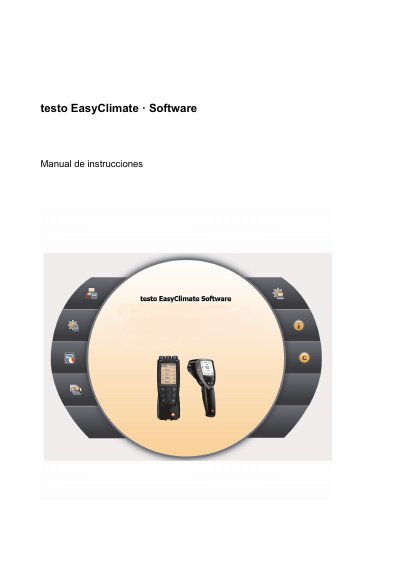
The testo EasyClimate Software is designed to enhance the functionality of testo 480 and testo 835 measurement instruments. It allows users to configure instruments via software, manage client and measurement data, import and export data, and generate measurement protocols with recording and printing capabilities. The software requires a Windows operating system (Windows 7, 8, or 10) and a USB interface to connect with the hardware. This manual is written in Spanish.
| Compatible Instruments | testo 480 and testo 835 |
|---|---|
| Operating Systems | Windows 7, Windows 8, Windows 10 |
| Interface Requirement | USB 1.1 or superior |
The software requires administrator rights and runs on Windows 7, 8, or 10 with a USB 1.1 or superior interface.
Start the software by clicking [Inicio] | Programas (Windows XP) or Todos los programas (Windows Vista, Windows 7) | Testo | Software testo EasyClimate.
No, the default report templates cannot be edited or deleted; you must create a duplicate to edit it.