
This document is a wireless headphone user manual that introduces the use of headphones, power on/off, charging, connecting to the TV and other functions
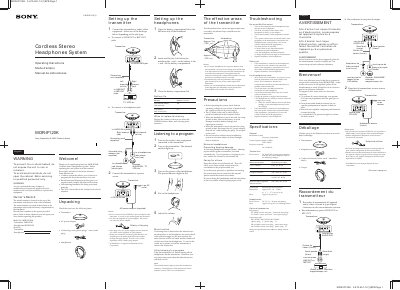
This manual provides operating instructions for the Sony MDR-IF120K Cordless Stereo Headphones System. It details the setup process for both the headphones and the transmitter, including battery installation and connecting to audio/video equipment. The document explains the system's features, such as the infrared communication range and the mute function.
| Frequency response | 18 – 22,000 Hz |
|---|---|
| Headphones Power source | DC 1.5 V, 1 × R6 (size AA) battery |
| Headphones Mass | Approx. 125 g (4.5 oz.) including battery |
| Transmitter Power source | DC IN 9V jack |
| Transmitter Dimensions | Approx. 152 × 40 × 72 mm (6 × 1 1/2 × 2 3/4 in.) (w/h/d) |
| Transmitter Mass | Approx. 80 g (2.8 oz.) |
| Battery life (Headphones) | Approx. 100 hours |
Replace the battery with a new one when the POWER indicator dims and a hissing noise increases.
Move nearer toward the transmitter or remove the obstruction blocking the infrared rays.
You may hear some noise when the infrared rays are suddenly cut off.